Artificial intelligence has quietly become the secret partner of the modern web designer. Once, crafting a sleek, responsive, and intuitive website demanded countless hours of wireframing, coding, and testing. Now, AI tools can generate layouts, optimize user interfaces, and even write code—allowing designers and developers to focus on creativity rather than repetition.
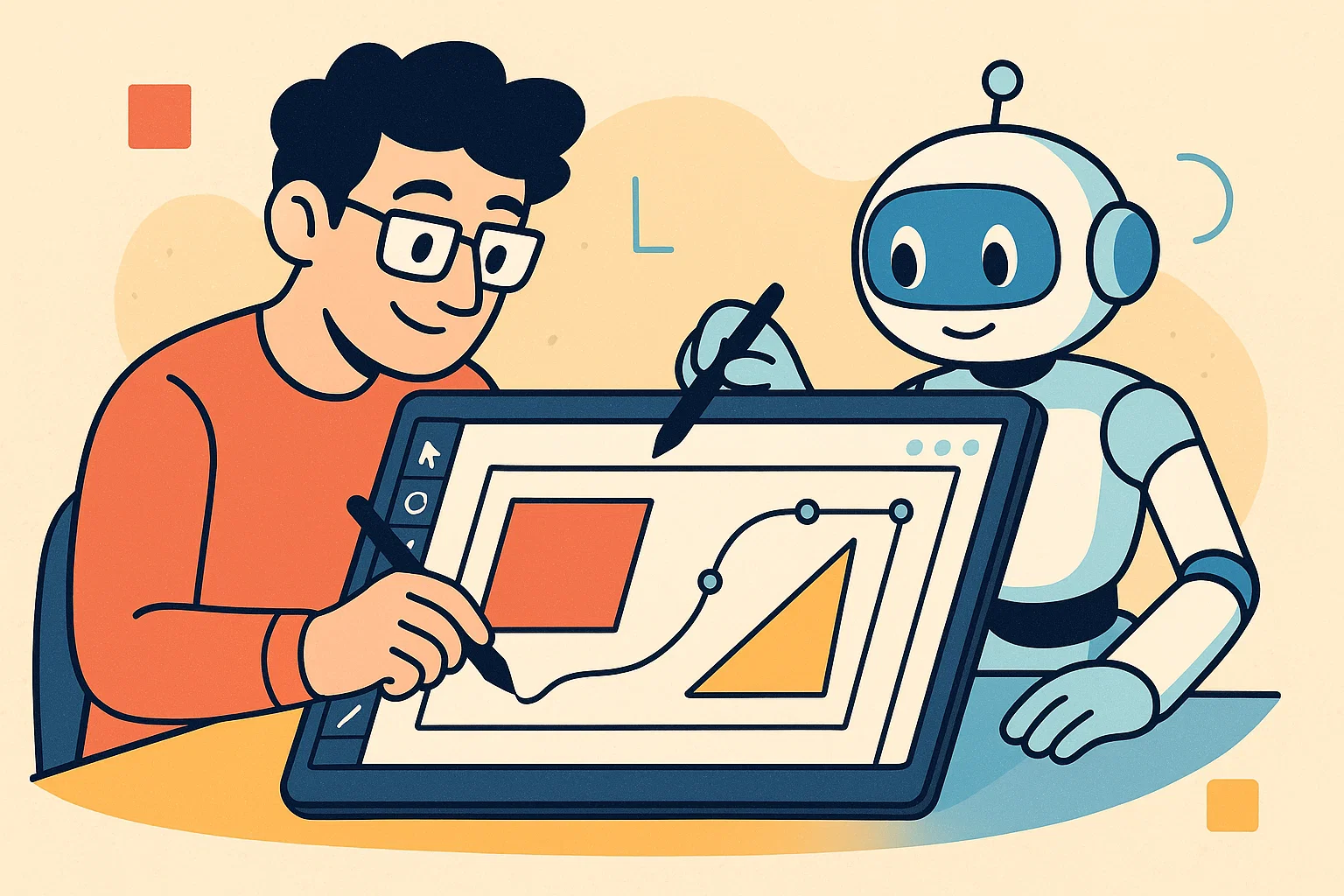
AI doesn’t replace designers. It augments them, turning a once painstaking process into a playground for rapid experimentation and smart automation.
From Manual Design to Machine Collaboration
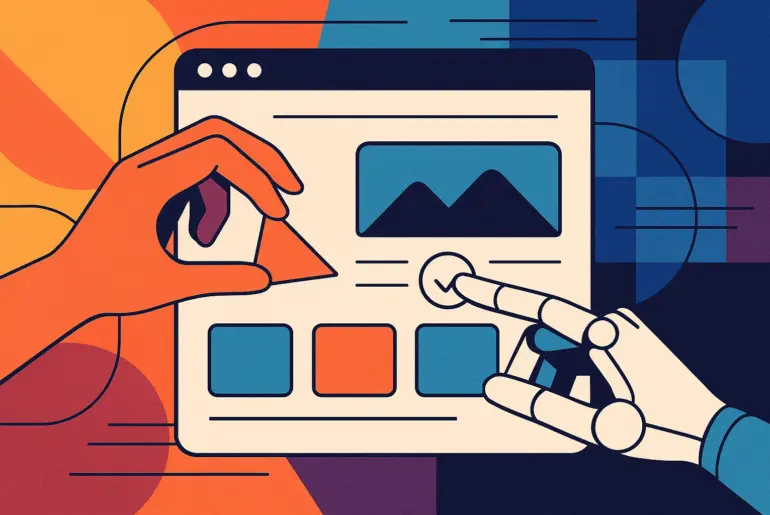
In traditional web design, each element—layout, color palette, typography—required manual decision-making. AI disrupts this by learning from thousands of successful website patterns and applying best practices automatically.
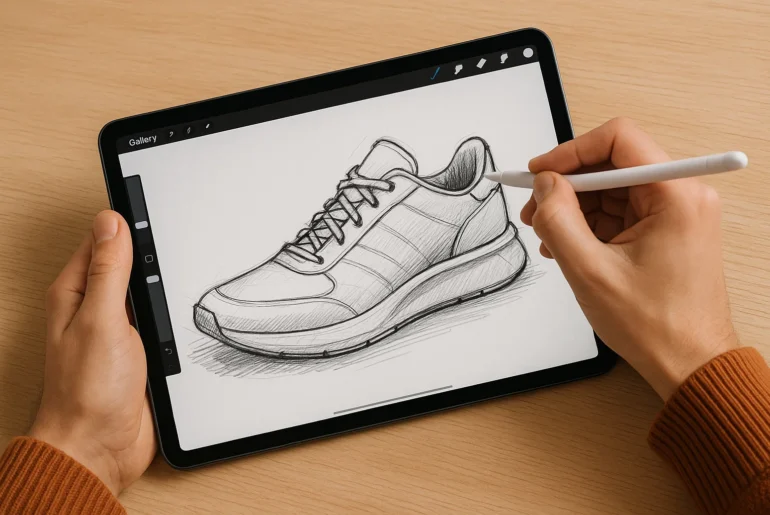
Tools like Wix ADI, Framer AI, and Durable.co use algorithms to analyze user goals, generate layouts, and suggest designs that align with brand identity. Meanwhile, Uizard turns hand-drawn sketches into full interactive prototypes, merging human creativity with machine precision.
Smarter User Experience through Predictive Design
AI is particularly adept at pattern recognition. By analyzing user behavior, it can predict what visitors expect and adjust design elements dynamically.
For example:
- Adobe Sensei analyzes user data to suggest visual improvements.
- Figma’s AI features recommend responsive layouts automatically.
- ChatGPT-based plugins assist developers in writing cleaner, semantic HTML and CSS in real time.
This predictive power allows designers to prototype with real behavioral insights instead of assumptions—reducing redesign time and improving UX consistency.
The Rise of AI-Powered Development Tools
While AI enhances design, it’s equally transformative on the coding side. Tools like GitHub Copilot and Codeium act as intelligent coding assistants, helping developers generate responsive components, troubleshoot bugs, and write boilerplate code faster.
AI even supports no-code and low-code platforms, bridging the gap between design and development. Tools such as Webflow and TeleportHQ now use AI to translate natural language descriptions (“build a landing page with a hero image and signup form”) into functional layouts.
The result: faster prototypes, cleaner code, and more time to focus on design logic and innovation.
Challenges: Creativity, Bias, and Overreliance
AI can automate design, but it can’t feel aesthetics the way humans do. Algorithms learn from existing datasets, which can lead to repetitive or uninspired designs. Worse, if the training data carries bias—say, favoring certain color schemes or layout types—it may stifle diversity in digital design aesthetics.
Human oversight remains crucial. Designers must treat AI suggestions as starting points, not finished products. The goal is synergy—where AI handles the technical grind and humans refine the emotional and cultural nuances.
Future Trends: Adaptive AI and Personalized Web Design
We’re approaching a point where websites will design themselves dynamically for each visitor. Imagine landing on a page that changes tone, imagery, and layout based on your interests and browsing history.
Emerging tools like Bookmark’s AIDA and Jasper Web Creator already experiment with adaptive content generation. In the near future, AI could merge user analytics, psychology, and storytelling into truly personalized web experiences.
Conclusion
AI transforms web design from a manual craft into a symbiotic process between human creativity and machine intelligence. Designers and developers who embrace this shift won’t be replaced—they’ll evolve into orchestrators of intelligent digital experiences.
The best strategy is balance: let AI handle structure and optimization, while you focus on the story, the emotion, and the art of design itself.
Ready to enhance your workflow? Explore tools like Framer AI, Figma, or Webflow and start combining creativity with machine intelligence in your next project.
FAQs
1. How does AI actually assist in website design?
AI assists by automating repetitive tasks such as layout creation, color palette selection, and code generation. Tools like Wix ADI or Framer AI analyze user preferences and brand data to suggest optimized designs, letting designers focus on creativity and functionality.
2. Can AI replace human web designers and developers?
No. AI can streamline workflows and provide design suggestions, but it lacks emotional intelligence, storytelling ability, and cultural understanding. The most effective approach is collaboration—where AI handles technical tasks and humans refine the creative direction.
3. What are the best AI tools for professional web design in 2025?
Some of the most popular and reliable tools include Figma with AI features, Framer AI, Webflow, Uizard, and GitHub Copilot for developers. Each tool specializes in a different part of the workflow—from UI design to automated code generation.