Outcome: You’ll discover how AI is transforming UI/UX design, which tools matter, and where the industry is heading.
Exclusion: This article won’t cover coding-heavy AI development frameworks — focus is on design-centered AI tools and workflows.
Why AI is Changing UX Forever
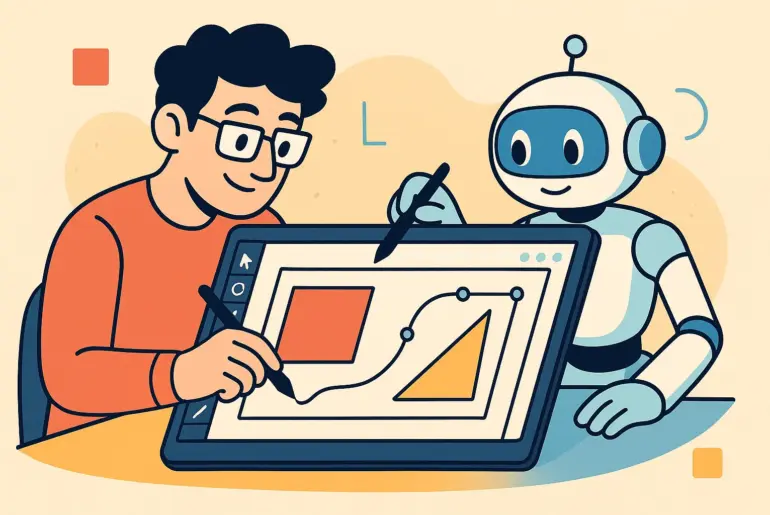
User experience design is evolving at lightning speed. Artificial intelligence has moved from being a futuristic buzzword to a daily companion in the designer’s toolkit. Instead of replacing designers, AI is amplifying creativity, accelerating workflows, and making interfaces smarter.
From Wireframes to Wonders: The AI-Driven Workflow
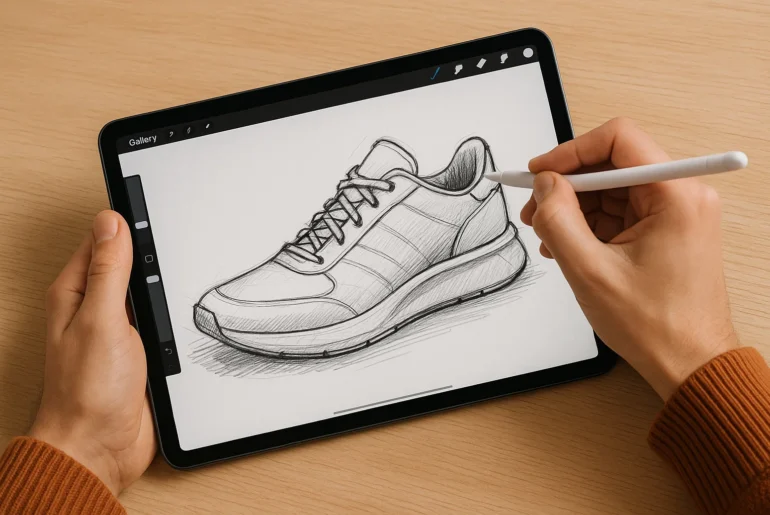
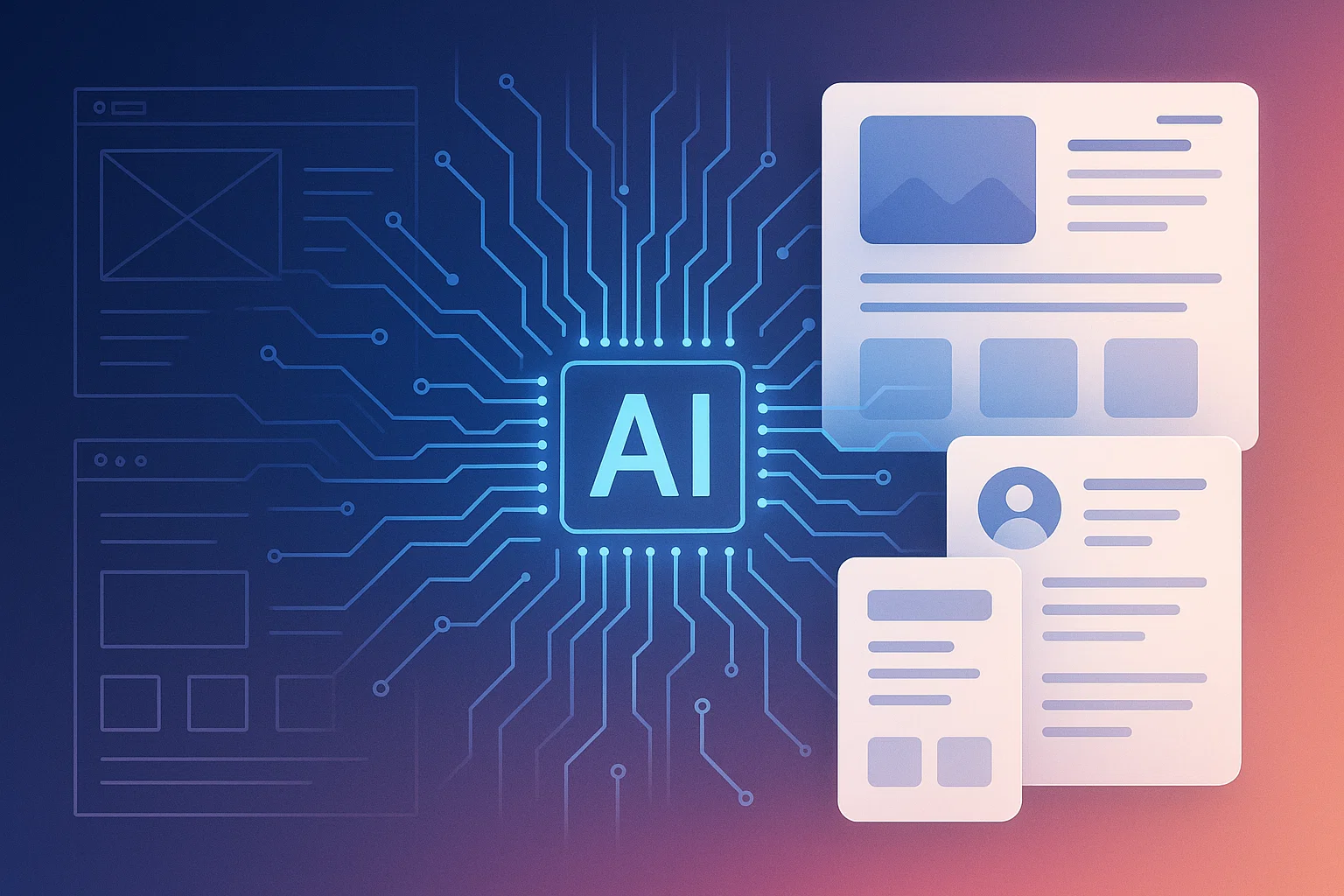
Traditionally, a designer starts with sketches and wireframes, then iterates through prototypes, testing, and refinement. With AI, many of these stages collapse into a more fluid process:
- Wireframes can be generated automatically from text prompts.
- Usability predictions can be made before a single user test.
- Personalized journeys adapt in real time to each user.
Instead of spending weeks polishing mockups, designers can focus on strategy, storytelling, and empathy.
Key AI Tools Every UX Designer Should Explore
Generative Layout & Wireframing Tools
Tools like Uizard, Galileo AI, and Visily allow designers to turn plain text prompts into usable wireframes. Type “Dashboard with analytics and dark mode” and within seconds, you have layouts ready for refinement. This means less time stuck on blank screens and more time improving flows.
AI for User Testing & Analytics
Platforms like PlaybookUX and Useberry now integrate AI to simulate user interactions. Instead of waiting for dozens of testers, designers can get predictive heatmaps and attention tracking instantly. This accelerates validation and helps teams make data-backed decisions earlier.
AI-Powered Personalization Engines
Recommendation systems are no longer limited to Netflix or Spotify. Tools like Adobe Sensei and Dynamic Yield allow UX teams to deliver personalized interfaces — tailoring layouts, colors, or content depending on the user’s behavior. This bridges marketing and UX into one seamless experience.
Conversational UI & Chatbot Builders
Designers shaping digital assistants rely on AI platforms such as Dialogflow and Rasa. These tools help create chatbots and voice interfaces that understand natural language, enabling smoother and more human-like interactions.
Opportunities & Challenges of AI in UX
Opportunities:
- Speed: Faster iterations and prototyping.
- Scale: Personalization for millions of users.
- Insight: Predictive analytics without endless user tests.
Challenges:
- Bias: AI models reflect the data they’re trained on.
- Over-reliance: Designers risk becoming too dependent on automation.
- Transparency: Users need to trust AI-driven recommendations.
The Future: Designers as AI Conductors
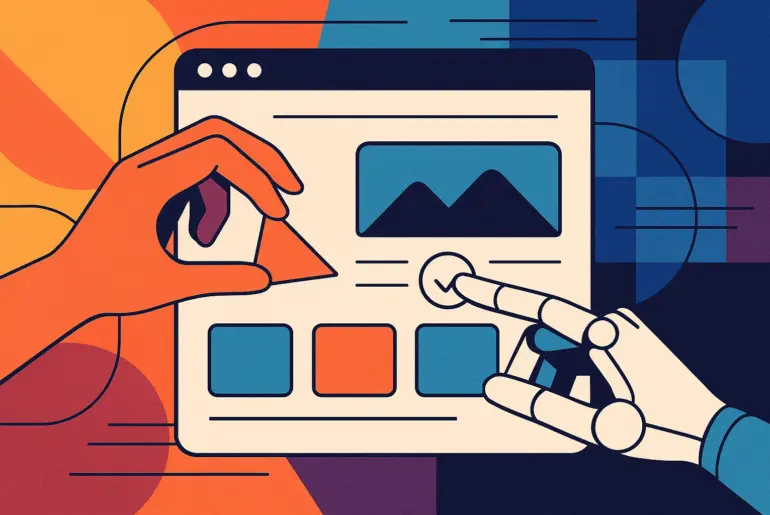
Tomorrow’s UX designers won’t just draw wireframes — they’ll orchestrate AI systems. Think of it like being a conductor: the AI instruments can play endless variations, but it’s the human who sets the tone, rhythm, and vision.
AI won’t kill creativity; it will multiply it. The designer’s new role will be balancing empathy with efficiency, ensuring technology feels more human — not less.
Conclusion
Artificial intelligence isn’t here to replace designers. It’s here to free them from repetitive work and open new creative horizons. From wireframes to wonders, the AI-powered design journey is only beginning.
Explore tools like Uizard or Galileo AI today, experiment with an AI-driven usability test, and see how your design process evolves. The future of UX is waiting — don’t just observe it, design it.
FAQs
Q1: Will AI replace UX designers?
No. AI automates tasks, but design requires empathy, storytelling, and critical thinking — uniquely human traits.
Q2: Which AI tool is best for wireframing?
Uizard and Galileo AI are strong options for rapid wireframe generation.
Q3: How does AI improve user testing?
AI predicts user interactions, provides heatmaps, and simulates behavior before live testing begins.